1. Overview
1.1 Service Capabilities
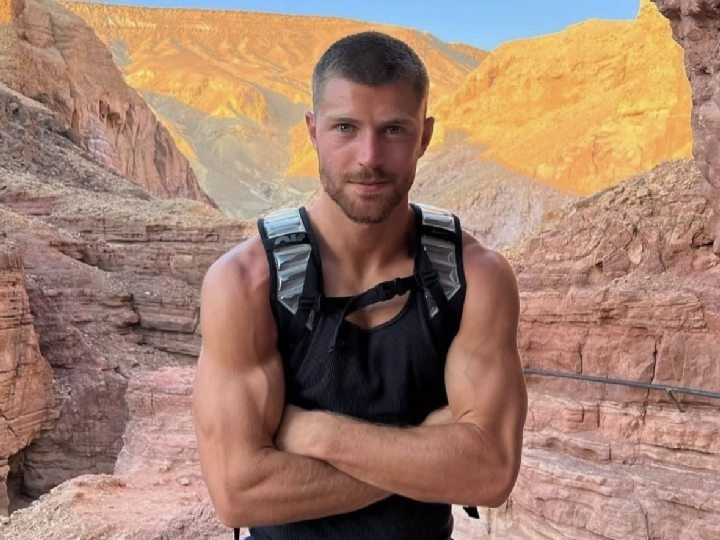
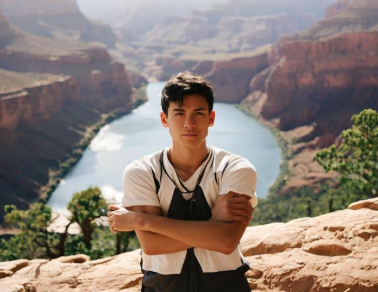
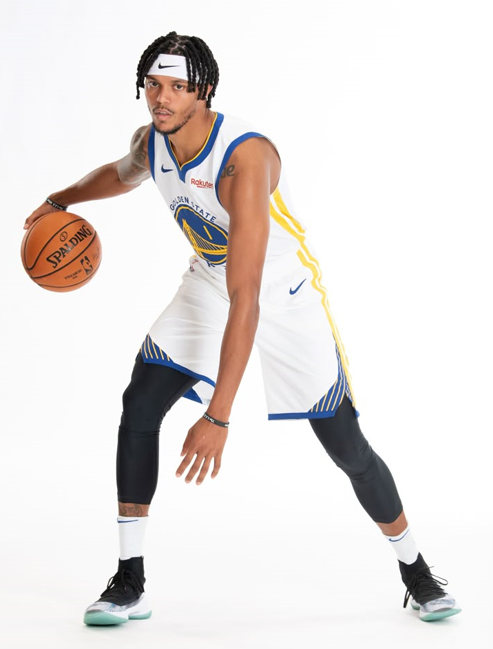
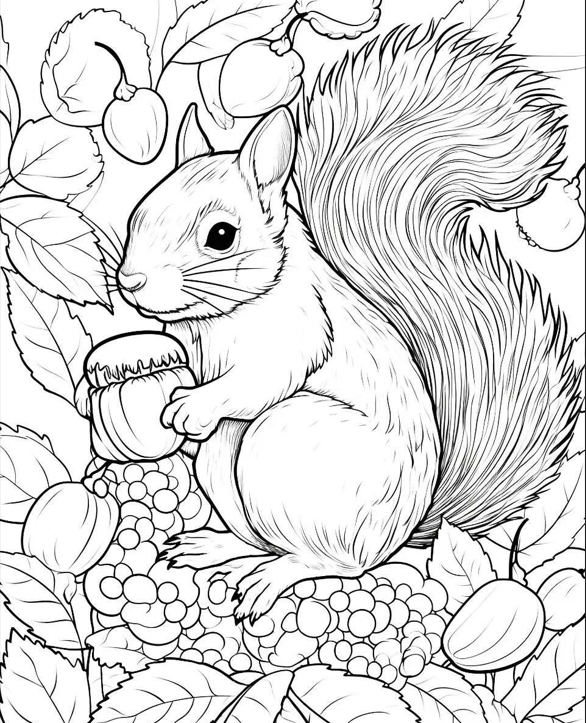
ToMoviee Reference to Image starts with a reference image and enables controlled creative variation while faithfully preserving core visual traits, especially the precise characteristics of subjects or scenes. This feature excels in maintaining subject identity (ensuring consistent facial ID), providing precise body pose control, and finely adjusting sketch details and depth of field (DOF). Unlike basic style transfer, it goes beyond mere imitation to deliver highly realistic image regeneration. By retaining key structural features like character pose and outline, it produces results so vivid that it feels as if the subject is present in front of you. Moreover, this fine control over subject sketch and DOF grants users highly controllable “semi-free creative” flexibility, making it particularly suited for scenarios demanding extreme accuracy, such as product mock-ups.
1.2 Sample Prompts and Outputs
|
Reference Image |
prompt |
Output Image |
|
|
Subject to Image: A man stands with crossed arms in the Grand Canyon |
|
|
|
Pose to Image: A boy playing basketball on a Japanese anime-style court with sakura petals falling by the sideline |
|
|
|
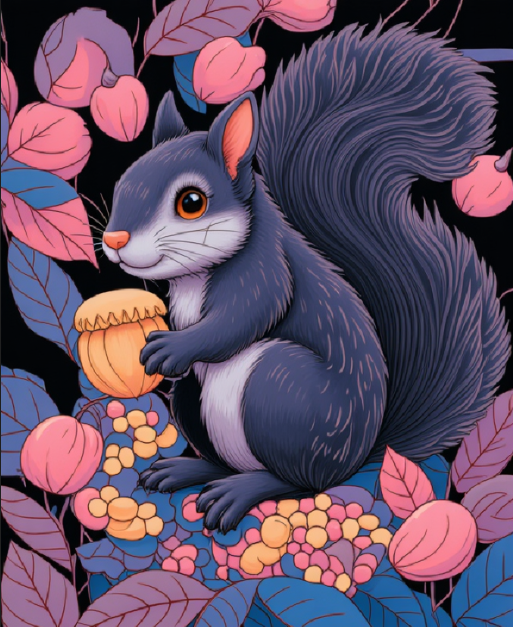
Sketch to Image: Fantasy fairy-tale style, fruits in fluorescent pink/blue, hazy lighting, a squirrel like a forest spirit |
|
|
|
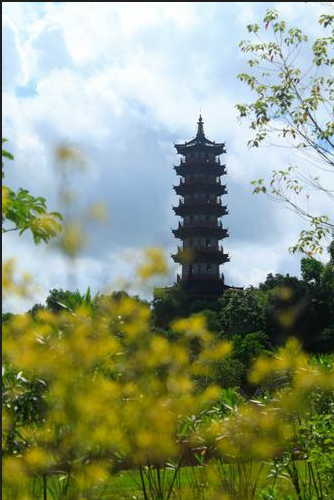
Depth to Image: Flat illustration of an ancient Chinese pagoda, clean color blocks, bright tones |
|


2. Prompt Engine
|
Prompt = Reference Description + Preserved Elements + Edit or Add Instructions
|
3. API Requests
3.1 Request URL
https://open-api.wondershare.cc/v1/open/capacity/application/tm_reference_img2img
3.2 Request Parameters
Method: POST
Headers
|
Parameter Name |
Value |
Required |
Example |
Description |
|
Content-Type |
application/json |
Yes |
|
|
|
Authorization |
|
Yes |
Basic xxx |
Security verification information, in the format of Basic {access_token}, where access_token is a token, generated using the given app_key and app_crit, with the generation method being base64 (app_key: app_crit)
|
|
X-App-Key |
|
Yes |
Assigned appkey |
body:
|
Parameter Name |
Type |
Required |
Default Value |
Description |
Other Info |
|
callback |
string |
No |
|
Callback URL for algorithm results. For example, http://www.wondershare.cn/fx. |
|
|
params |
string |
No |
|
透明参数 |
|
|
prompt |
string |
Yes |
|
Positive prompt. |
|
|
width |
integer |
Yes |
|
Width of the output image. Unit: pixels. |
|
|
height |
integer |
Yes |
|
Height of the output image. Unit: pixels. |
|
|
batch_size |
integer |
Yes |
|
Number of images to generate. Valid values: 1–8. |
|
|
control_intensity |
number |
Yes |
|
Control intensity, which is a floating-point number. Valid values: 0–1. |
|
|
control_type |
string |
Yes |
|
Control type. 0: outline (sketch) control; 1: pose control; 2: subject control; 3: DOF control. |
|
|
init_image |
string |
No |
|
URL of the original image. Image format: JPG or PNG. This field is required when control_type is 2 (subject control). |
|
|
reference_image |
string |
Yes |
|
URL of the reference image processed by the model. Image format: JPG or PNG. |
|
3.3 Response
|
Parameter Name |
Type |
Required |
Default Value |
Description |
Other Info |
|
code |
number |
Yes |
|
Error code. |
|
|
msg |
string |
Yes |
|
Error message. |
|
|
data |
object |
No |
|
|
Notes: |